Plan a professional Instagram grid
Visuals in the right format, light and consistent, for a grid that gives you a real identity.
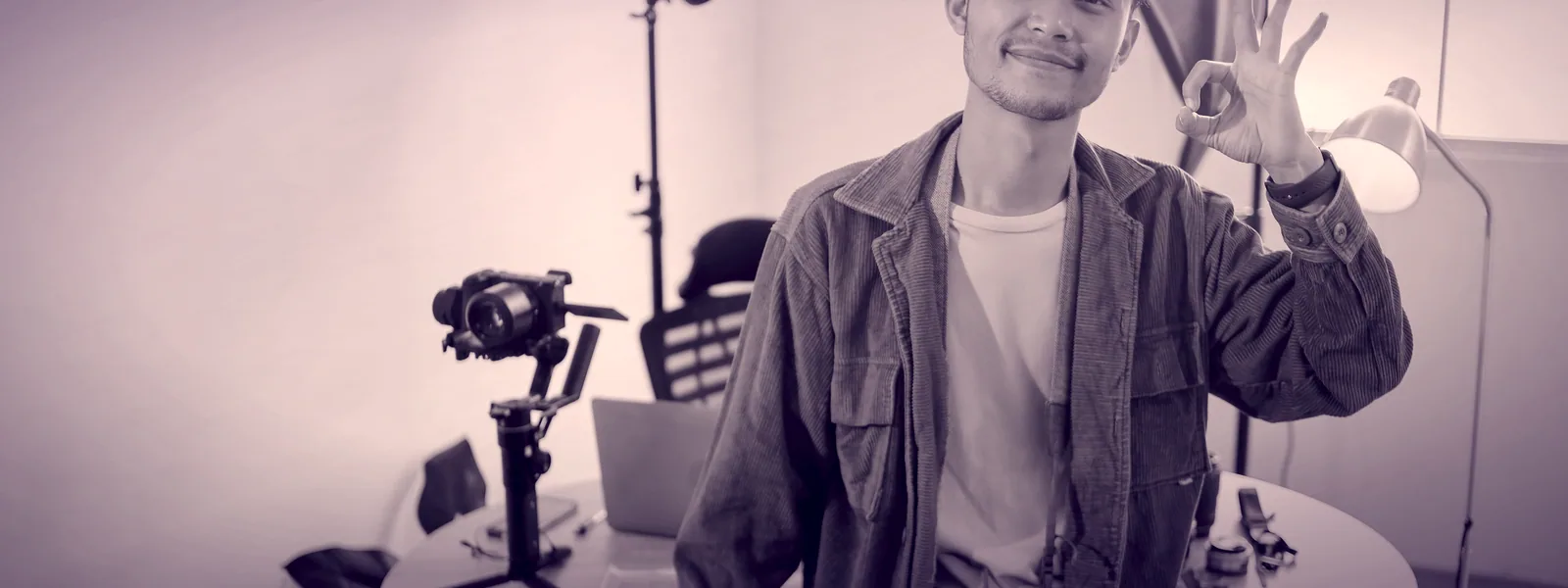
A clean grid builds trust before anyone reads a single word. The secret isn't a trendy filter: it's the right format, the right file size, and two or three colors held consistently over time.
- No Photoshop needed
- Sharp visuals, even after Instagram recompresses them
- Every tool is free, no account needed
- 1
The right dimensions for each format
Post, story, reel: each format has its own size. A badly sized visual gets cropped however the app decides.
Open Image Resizer
Your personal access to the full resource
Receive an access link by email. Confirm it to use the tools and read the full methods on this device for 30 days. No account or purchase is required.
And the Lynks page finishes it all
Your grid becomes a consistent showcase that points back to your Lynks page: a polished profile, one link, your whole world behind it.
Create my polished pageA Lynks account is required to create your page. Features depend on your plan.
Present your business, bring your links together
Email access opens the tools. Your Lynks page brings together links, QR codes and analytics. Present your offers and portfolio, then choose the plan that fits your business.
- Save everythingLinks, QR codes, and creations together in your dashboard.
- Track your clicksClear stats on what works, no extra tool needed.
- A page with your nameAll your links on one page. With Pro, it installs as an app on your customers' home screen.